
Yes, but only if you stop treating views as the goal. Instagram Reels views safety comes down to two things: prioritising retention signals over raw numbers, and refusing any shortcut that asks for your password or promises a viewer list. Both are red flags for account penalties, not growth hacks.
Two things to do right now:
- Open Reels Insights on your last ten posts and check completion rate, not just view count.
- Never hand your login details to a “views booster” service, no matter how convincing the reviews look.
The rest of this guide covers the metrics worth tracking, the organic tactics that actually work, and how to tell a safe paid service from one that will get your account flagged.
Instagram Reels Views Safety: Key Takeaways
Safe Reels growth depends on prioritising completion, save and share rates over raw view counts, and avoiding any service that requests your password or promises viewer data.
| Point | Details |
|---|---|
| Views are not the target | Optimise for completion rate, saves and shares, since these drive further distribution in 2026. |
| No viewer list exists | Instagram never reveals per-viewer data; only public actions like comments and follows identify people. |
| Avoid password-based services | Legitimate providers never need your login; password requests are a scam signal. |
| Use Ads for compliant paid reach | Instagram Ads offer transparent reporting; bought bot views risk suppressing organic reach. |
| Choose password-free providers | Greediersocialmedia delivers real engagement without login access, suited to safety-conscious UK creators. |
Table of Contents
- What does Instagram actually show you about Reels views?
- Which safe organic tactics actually increase Reels views?
- Is it safe to pay for Reels views or use third-party apps?
- How do you spot scams and protect your Instagram account?
- What metrics actually prove your growth is safe and real?
- Why safety and measurement matter more than the view count itself
- Getting real Reels growth without cutting corners
- Sources
- FAQ
What does Instagram actually show you about Reels views?
Instagram gives you aggregates, not a list of names. You can see plays, reach, watch time, saves and shares for each Reel, but there is no per-viewer breakdown showing exactly who watched. Only public actions, a like, a comment, a follow, ever reveal a specific identity, and anyone claiming otherwise is misrepresenting what the platform makes visible.
A “view” registers the moment a Reel starts playing. Replays add extra views to the same total, and your own plays don’t count towards it, which is why a video you’ve watched back five times can look more popular than it really is.
Reels views checklist:
- Views include replays from the same person, so totals can inflate quickly.
- Reach and views are different numbers. Reach counts unique accounts; views count total plays.
- There’s no viewer list, only aggregate Insights data.
- Passive views tell you exposure, not interest.
This matters because the algorithm doesn’t weigh views the way most creators assume. In 2026, Instagram’s distribution logic leans much harder on completion rate, saves and shares than on the total number of plays a Reel racks up. A Reel with 2,000 views and a 70% completion rate will usually outperform one with 20,000 views and a 10% completion rate, because the second one is telling Instagram people are scrolling past it fast.
Which safe organic tactics actually increase Reels views?
Views follow retention, and retention follows a handful of specific, testable habits. Here’s what moves the needle without touching your account’s standing:
- Nail the first two to three seconds. This is the window where people decide to stay or swipe away, so open with movement, a question, or a visual surprise rather than a logo or slow intro.
- Test two hooks on similar content. Post variations a few days apart and compare early retention in Insights, not just final view counts.
- Keep it short and loop-friendly. Reels under 15 seconds that end in a way that flows back into the opening frame often get replayed, and each replay adds to your watch time signal.
- Use dynamic on-screen text and trending native audio. Both are read by the algorithm as engagement cues and help viewers who watch on mute.
- Format for the frame properly. Cropped captions or a call-to-action hidden behind Instagram’s UI elements will quietly kill your retention. Adobe Express’s Safe Zone feature lets you preview exactly where text and graphics sit before you post, so nothing important gets cut off or covered by the like button and caption bar.
- Give people something to do besides watch. Ask directly for a save, a share, or a specific comment. “Save this for later” or “tag someone who needs this” converts a passive scroll into an action Instagram rewards.
- Use serialised content or small incentives. A three-part series or a simple giveaway tied to following the account encourages people to come back, which builds a watch history rather than a single spike.
- Post when your specific audience is active. Check your own Insights for peak hours rather than copying a generic “best time to post” chart, since a strong early batch of views gives a Reel a better initial test with the algorithm.
Pro Tip: Screen record your Reel and watch it back with the sound off, on a phone, at arm’s length, exactly how most people will actually see it. If you can’t read the text or follow the action, neither can your audience.
None of this requires third-party tools or paid boosts. It requires editing discipline and a willingness to look at your own numbers before deciding what to make next, something the engagement rate tactics for Reels covers in more depth if you want a fuller playbook.

Is it safe to pay for Reels views or use third-party apps?
There’s exactly one platform-compliant way to pay for reach: Instagram Ads. Ads put your Reel in front of real, targeted users and give you transparent reporting on impressions, clicks and conversions, all inside Meta’s own system.
Buying views from unverified sellers is a different proposition entirely. Low-quality bought views often come from bot traffic or click farms, and they create a mismatch between your view count and your actual engagement rate. Instagram’s systems read that mismatch as a signal to reduce further organic distribution, which means a cheap views package can quietly suppress the very reach you paid to gain.
Watch for these red flags before using any paid engagement service:
- Asks for your password. No legitimate service needs your Instagram login to deliver views, likes or followers.
- Promises a viewer list. This data doesn’t exist for anyone, including Instagram itself in the format these apps claim to offer.
- Tells you to disable two-factor authentication. This is almost always a precursor to account takeover.
- Gives vague or no explanation of sourcing. A safe provider can tell you, in plain terms, how delivery works.
A safe service should offer documented sourcing, sample reports showing real engagement (saves, shares, follows, not just a number going up), and password-free delivery as standard. The gap between authentic engagement and fake, low-quality boosts is exactly where most account penalties originate.
How do you spot scams and protect your Instagram account?
Most Instagram scams targeting creators follow the same three patterns: fake “who viewed your Reel” apps, phishing pages disguised as Instagram login screens, and messages urging you to switch off security features to “unlock” a service. All three exist purely to harvest credentials, since no legitimate app can show a Reel viewer list because that data isn’t exposed to anyone outside Instagram.
Before granting any app access to your account:
- Only authorise access through Instagram’s official OAuth screen, never a third-party login page that asks for your username and password directly.
- Check the permissions requested. A views app asking for posting or messaging access has no legitimate reason to need it.
- If you’ve already entered credentials somewhere suspicious, change your password immediately and check Settings > Security > Login Activity for unrecognised sessions.
- Revoke access for any app you don’t recognise under Settings > Apps and Websites.
- Turn two-factor authentication on, or back on if a scam prompted you to disable it.
Pro Tip: Bookmark the real Instagram login page in your browser. Never tap a login link from a DM or a comment, even one from an account that looks like a friend, since compromised accounts are often used to spread the same scam further.
What metrics actually prove your growth is safe and real?
Views alone won’t tell you if a Reel is working. Track these three first, since they’re what the algorithm weighs most heavily when deciding whether to push a Reel further:
- Completion rate – the percentage of people who watch to the end, the clearest retention signal you have.
- Save rate – saves per view, a strong indicator that content has lasting value beyond a quick laugh.
- Share rate – shares per view, which drives reach outside your existing followers.
Compare reach against views to spot replay-driven inflation, and watch whether follower growth actually follows your Reels or stays flat despite rising view counts. Run small A/B tests on hooks and captions, checking retention in the first one to three hours, the window that decides whether Instagram tests your Reel with a wider audience. Record baseline numbers from your last ten Reels before changing anything, so you have something real to measure against, a method covered in more detail in the full guide to Reel views and Insights.
Why safety and measurement matter more than the view count itself
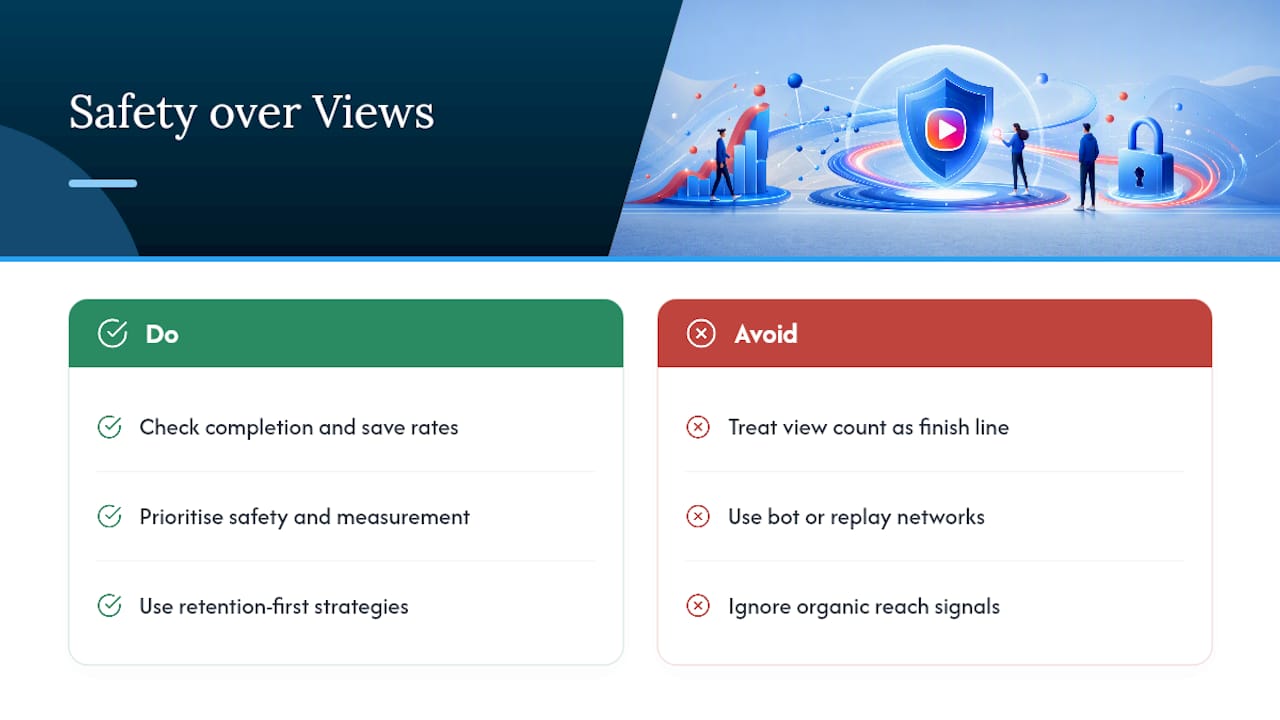
Chasing a bigger view number without checking what sits behind it is how creators end up disappointed, or worse, penalised. The uncomfortable truth is that most advice about “boosting Reels” treats views as the finish line, when Instagram’s own systems treat them as one weak signal among several. A Reel that gets replayed by a bot network looks identical to a view count until you check completion and save rates, and by then the damage to your organic reach may already be done.
… What’s clear from working through this space is that safety and measurement aren’t separate concerns from growth, they’re the same discipline. Greedier Social Media has supported over a million users since 2013 with password-free delivery and UK-focused support, built specifically around the retention-first, security-conscious approach this article recommends rather than against it.
— Luna
Getting real Reels growth without cutting corners
Safe, sustainable growth on Reels means combining strong retention habits with promotion methods that never put your account at risk, and that’s precisely where Greediersocialmedia fits. Unlike the password-harvesting apps and bot-driven “boosters” covered above, Greediersocialmedia delivers real followers, likes and views without ever asking for your login details, backed by UK-based support built for creators and small businesses who can’t afford a suspended account.
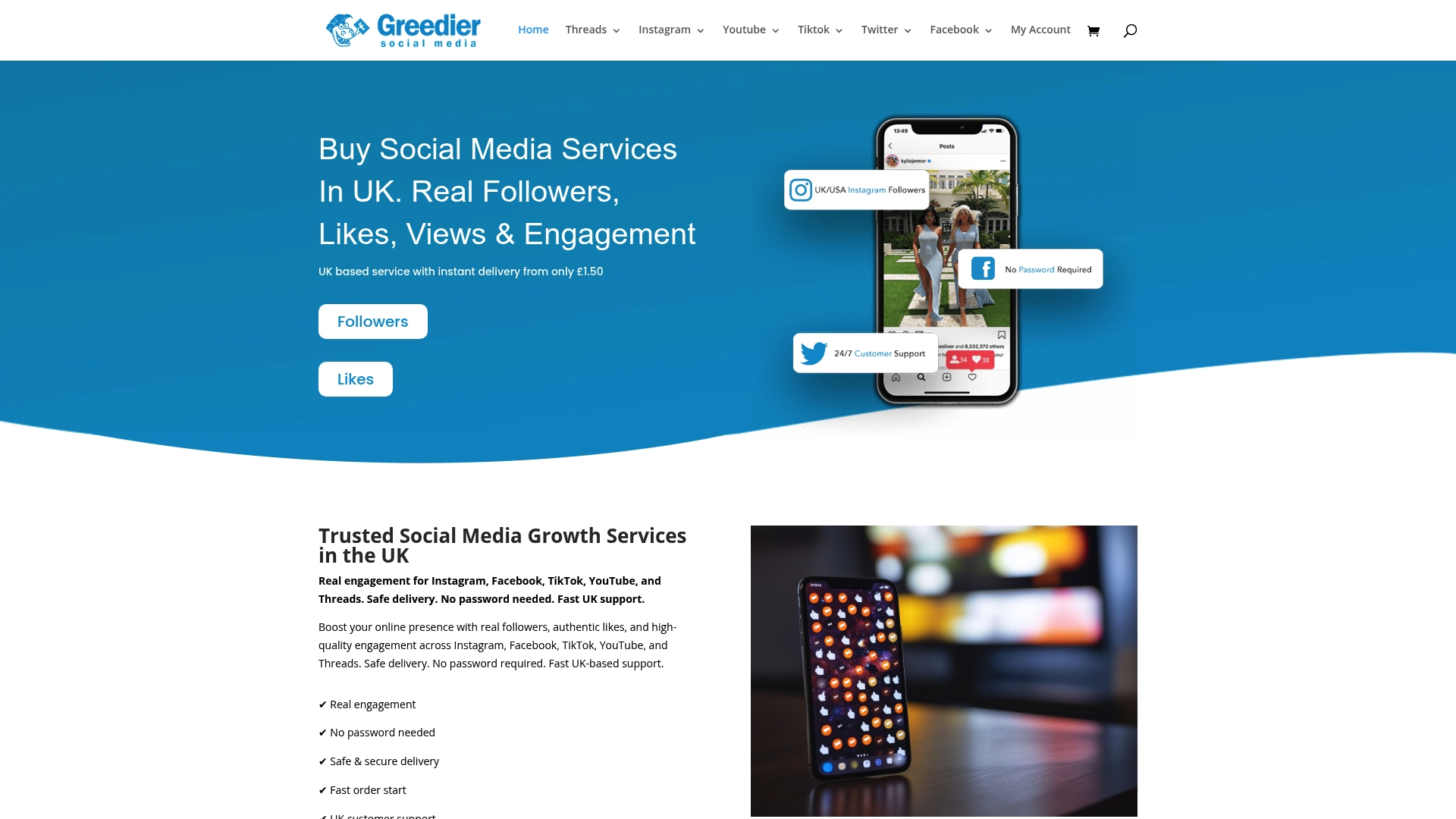
The packages are designed to complement the organic tactics already covered, not replace them, giving a new Reel the kind of initial engagement that helps it clear Instagram’s early testing phase. If you’re weighing paid engagement against organic-only growth, the breakdown of paid engagement versus organic growth explains where each one earns its place. Ready to see what a password-free, UK-targeted boost looks like for your Reels? Check the Reel views packages and get a package matched to your current numbers.
Sources
For deeper detail on the topics above: Backstage’s breakdown of the Instagram algorithm, Adobe Express’s Safe Zone tool, View-IG-Story’s explainer on Reel viewer data, and SpinThirasMedia’s guide to how Reel views are counted. For a broader look at engagement quality, see Baby Love Growth’s guide to lasting user engagement.
- Understanding Instagram algorithm (Backstage)
- Instagram Safe Zones on Adobe Express
- Does Instagram show who watched your Reel? (View-IG-Story)
- Instagram Reel views in 2026: how they’re counted (SpinThirasMedia)
FAQ
Can Instagram show you who watched your Reel?
No. Instagram only shows aggregate Insights data, plays, reach, saves and shares, with no per-viewer username list for Reels.
Is buying Instagram Reels views safe?
Buying views from unverified sellers risks an engagement mismatch that can reduce your organic reach; password-free, transparent providers or official Instagram Ads are safer routes.
What counts as a view on a Reel?
A view registers as soon as a Reel starts playing, including replays from the same viewer, though your own views on your own content don’t count.
Which metrics matter more than view count?
Completion rate, save rate and share rate matter most, since Instagram’s 2026 algorithm weighs these retention signals more heavily than total views.
How do I know if a Reels views service is safe?
A safe service never asks for your password, provides documented sourcing, and shows sample reports of real engagement; Greediersocialmedia follows this password-free model for UK creators.